Customer onboarding
Explain a setup task with a guide customers can follow alongside your product.
Create instructions from a recording, review the details, and publish a guide your team or customers can follow at their own pace.
Record or upload a product workflow, then choose a step-by-step guide or a standard operating procedure (SOP).
Read the generated draft, check the instructions against the task, and edit the document before publishing.
Publish the document to create a public page. Later edits stay in your draft until you publish an update.
A manually prepared guide with screenshots of our public marketing site. This sample was not generated in Shocase.
Your goal: find the content format and starting point for a product workflow.
You can follow this sample on the public website without a Shocase account.
Start at the homepage. Read the introduction to see how Shocase presents the product and the content you can create.
Open the product overview →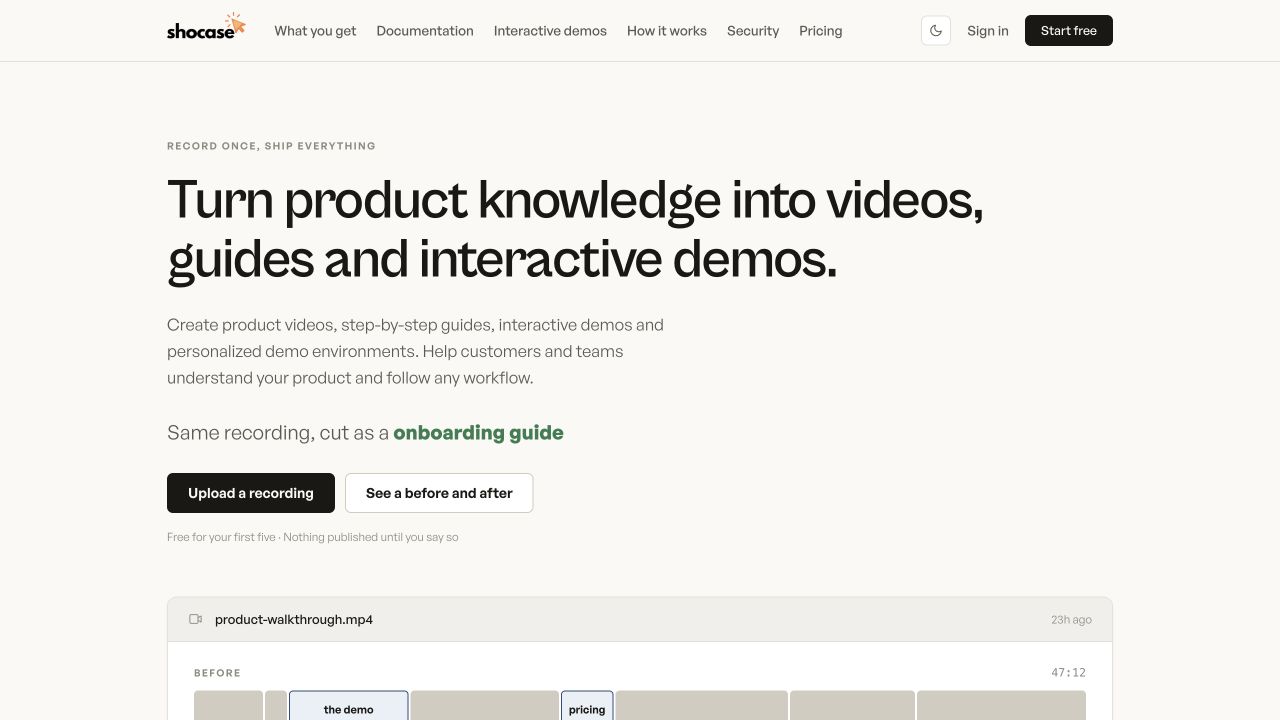
Go to “What comes back.” Compare the video, written guide, and interactive demo options. Pick the format that helps your audience understand the task.
Open the outputs section →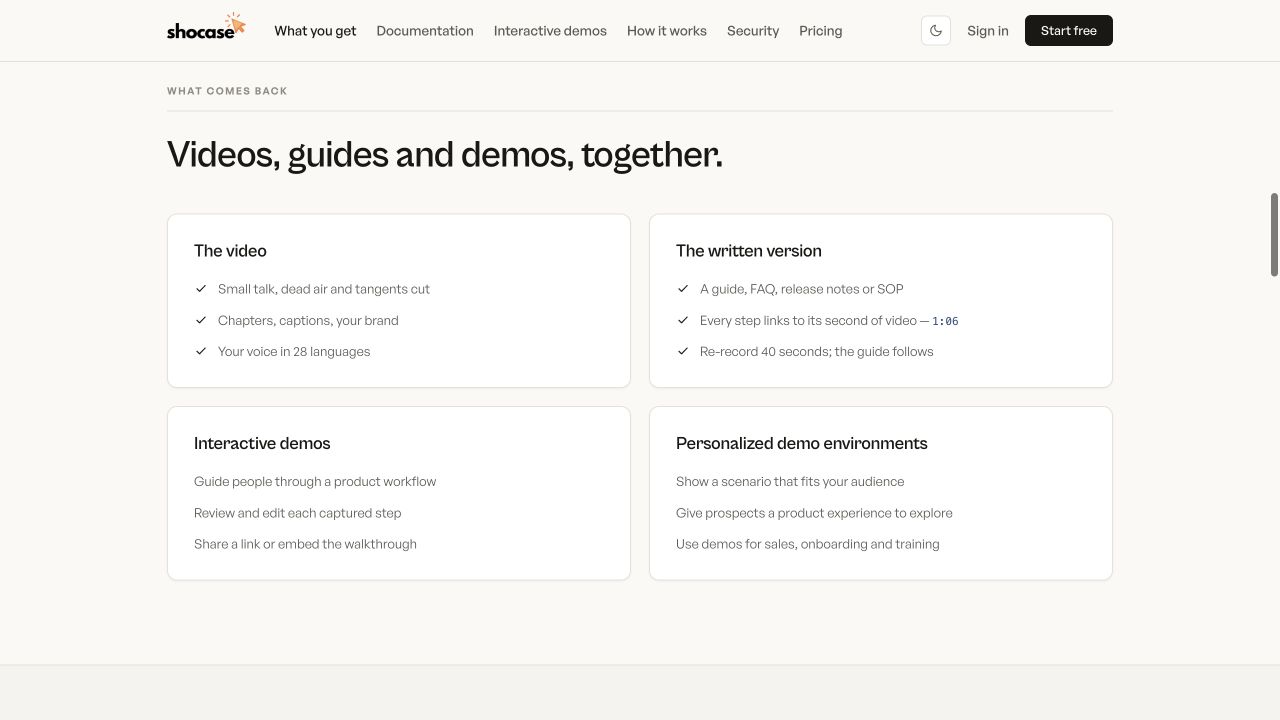
Open “How it works.” Start with “Record, or upload,” then review the steps for choosing and sharing the content you need.
Open the recording steps →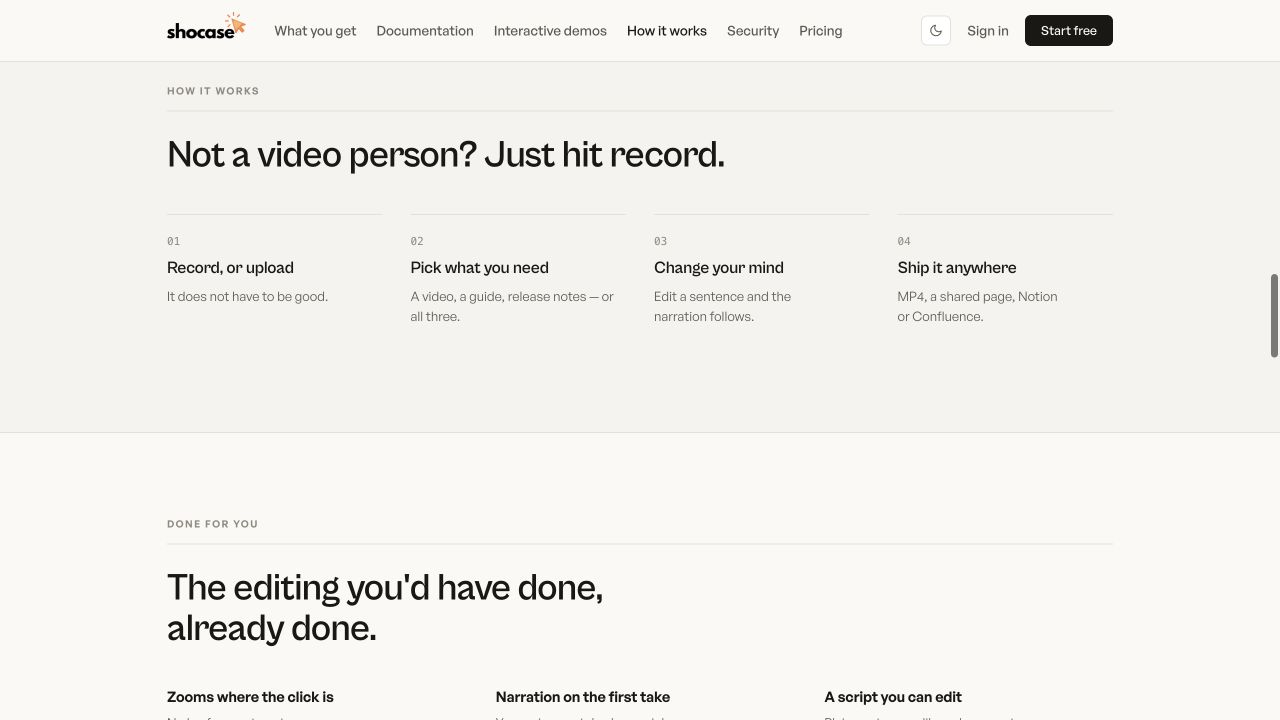
Explain a setup task with a guide customers can follow alongside your product.
Turn a recurring question into a written reference that is easy to share.
Document a repeatable workflow as a standard operating procedure for colleagues.
Create its guide in Shocase, or explore how an interactive walkthrough can accompany your written instructions.